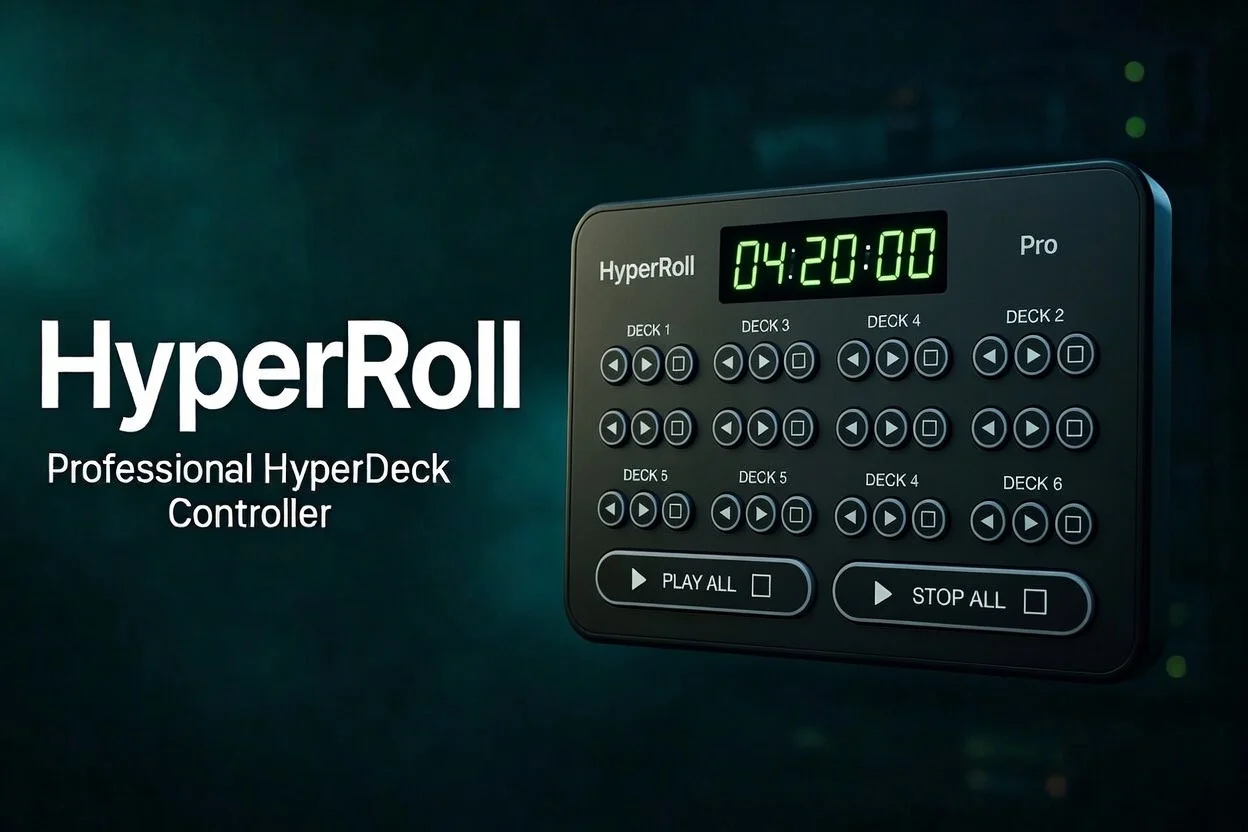
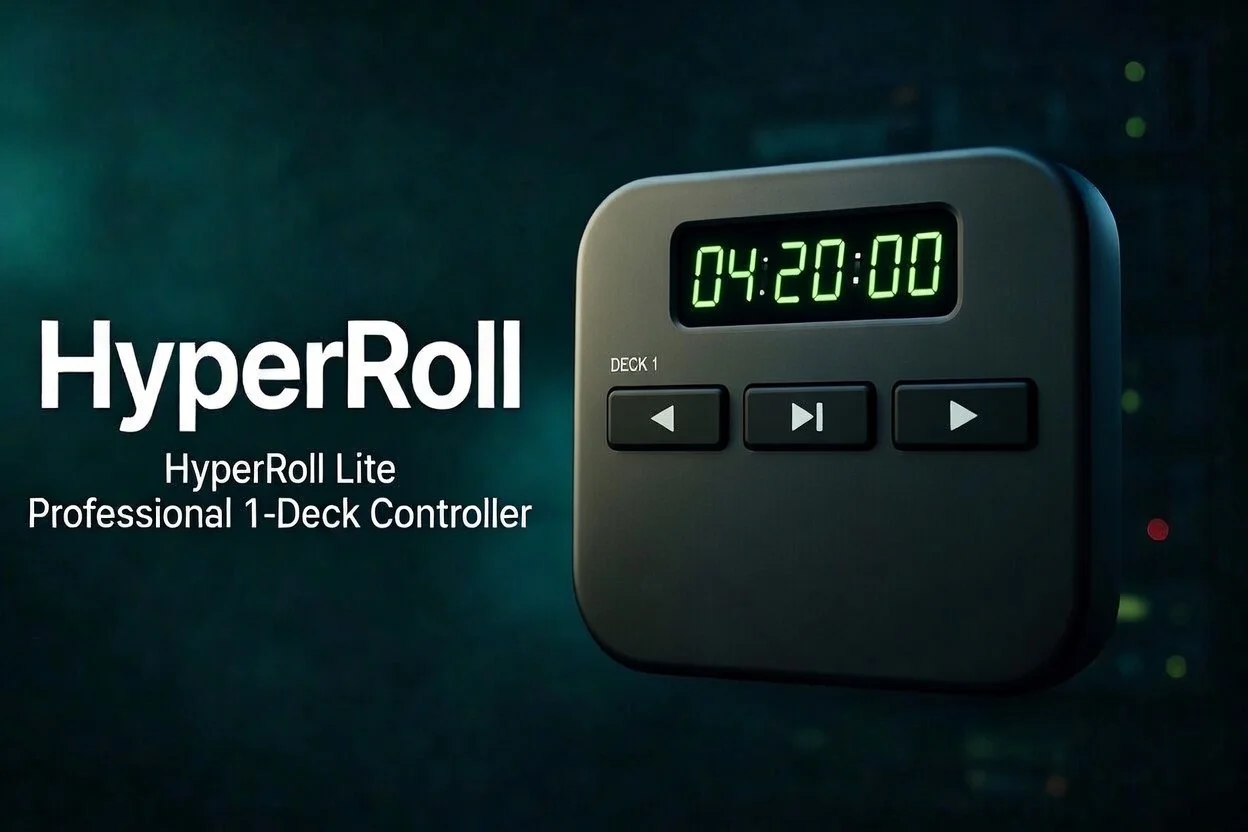
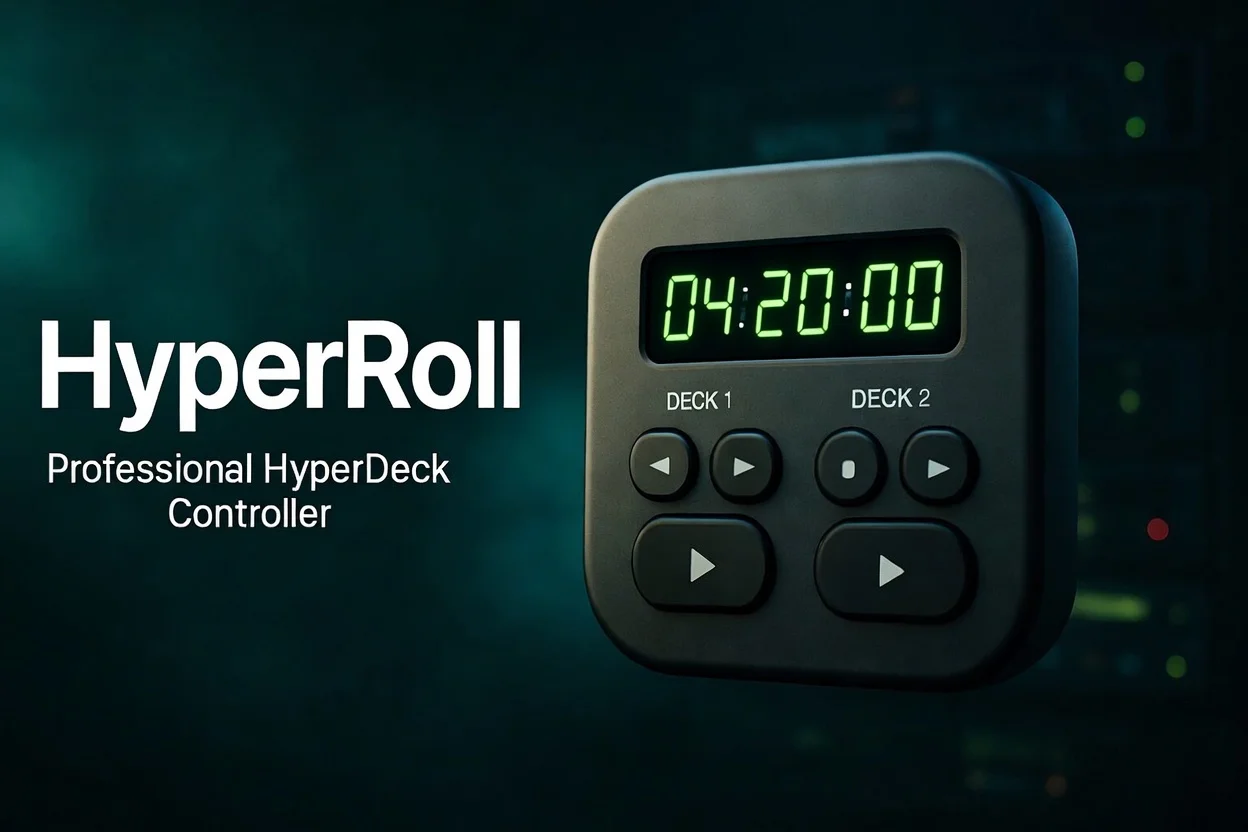
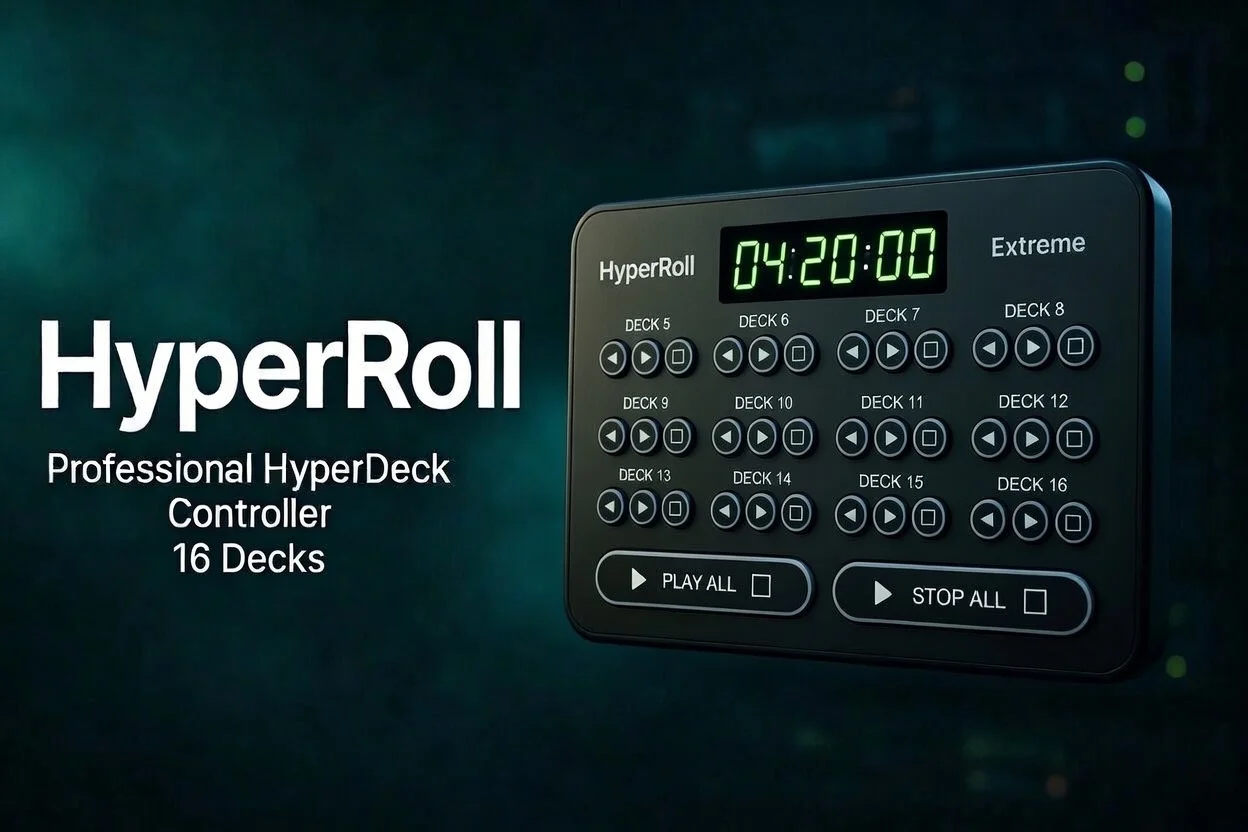
Professional HyperDeck controller for broadcast operators.
Control up to 6 decks from one screen. Playlist automation,
in/out points, StreamDeck integration. One-time purchase.
Works with every HyperDeck model
Designed in the field by someone who operates HyperDecks under pressure. Every button, every colour, every interaction — built to make your job faster.
Control 1, 2 or up to 6 HyperDecks simultaneously from a single screen. Switch between decks instantly with keyboard shortcuts or mouse.
Real-time timecode countdown shows exactly how many seconds are left on the current clip. Turns red when time is running out — so the director always knows.
Play, Stop, Prev, Next, Rewind, Fast Forward, Record — matching the physical HyperDeck buttons. Resume playback exactly where you stopped.
Drag a video file into the app and it uploads directly to your HyperDeck via FTP. Progress bar, error handling, automatic clip refresh when done.
Play Once, Loop Clip, or Loop All — toggle with one click. Perfect for holding graphics, looping backgrounds, or playing a sequence on repeat.
Base +Build a custom play order. Add clips to the queue, reorder them, then hit play — each clip auto-advances to the next when it finishes. Your show rundown, automated.
ProMark in and out points on any clip. Cue the HyperDeck to play only between those timecodes — perfect for trimming intros or playing specific segments live.
ProPlay at ¼×, ½×, 1×, 2× or 4× speed. Essential for sports instant replay or quickly reviewing footage during a live event.
ProBuilt-in HTTP server lets StreamDeck (or any HTTP client) trigger play, stop, next, queue and more — even when HyperRoll is minimised.
Base +Switch between SDI and HDMI input per deck — directly from HyperRoll. No need to touch the HyperDeck's front panel menus.
ProInstantly filter clips by name. When you have dozens of clips on an SSD, finding the right one in seconds matters during a live show.
HyperRoll detects when a clip finishes playing — automatically. No polling, no guessing. The same technique the ATEM switcher uses.
Buy once, use forever. No monthly fees, no internet required after activation. Free updates within your major version.


Any Blackmagic HyperDeck with Ethernet and network control enabled. HyperRoll auto-detects your model, slot count and media type on connect.
64-bit
Big Sur or later
Same network as your HyperDecks
After activation